Interface Overview
A quick map of the ZeroSphere layout so you can orient fast and move on.
Layout
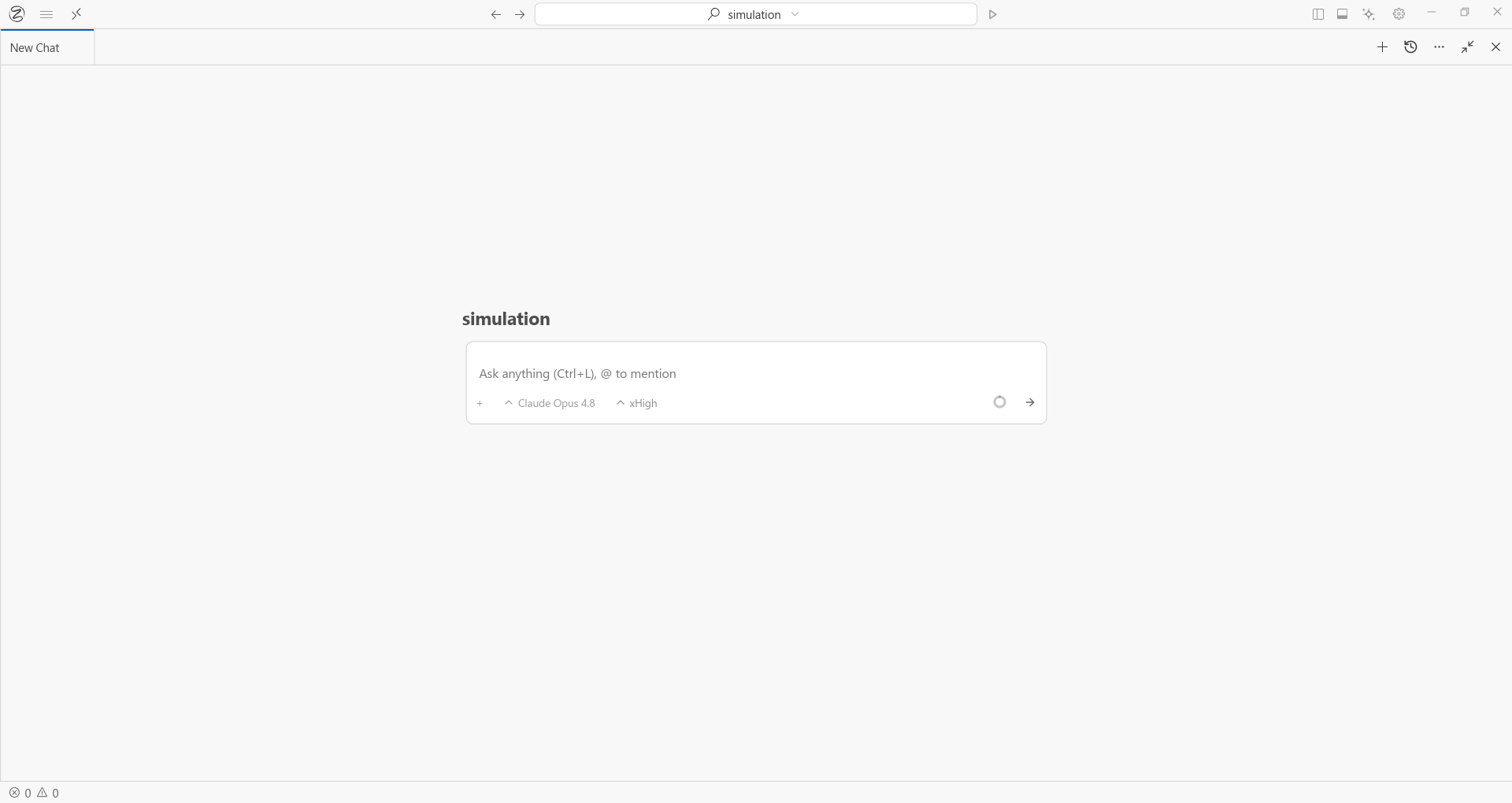
The Parts That Matter
Model Selector (Title Bar) Switch between Claude, GPT, and Gemini per session. Swap mid-task without restarting.
Agent Panel (Right) Where you talk to the agent, watch it work, and intervene if needed. It functions not just as a chat box, but as the agent's action feed too.
Virtual Display Opens when the agent launches your app. This is the live screen feed. You see exactly what the agent sees.
Terminal (Bottom) Integrated shell. The agent runs commands here. You can too.
Status Bar (Bottom) Language, line/column, Git branch, encoding.
Keyboard Shortcuts
| Action | Shortcut |
|---|---|
| Open file | Ctrl + O |
| Command palette | Ctrl + Shift + P |
| Toggle file explorer | Ctrl + B |
| Toggle terminal | Ctrl + J |
| Toggle agent panel | Ctrl + E |
| Switch files | Ctrl + Tab |